Training Programs Tailored to Your Needs

Each focus area addresses real challenges that seniors encounter in digital environments, transforming potential obstacles into accessible capabilities through structured, patient instruction.

Navigate Online Spaces with Confidence

The internet offers remarkable resources, but understanding how to protect yourself while exploring is essential. We teach practical security awareness that becomes second nature.

Understanding Safe Browsing

Learn to recognize the visual indicators that distinguish trustworthy websites from potentially harmful ones. We explain what the padlock symbol means, how to read web addresses for authenticity, and why some sites request certain permissions. This knowledge transforms browsing from uncertain navigation to informed exploration.

Password Management

Creating passwords that protect your accounts without becoming impossible to remember is a skill we develop together. You'll understand why certain password patterns offer better security, learn practical methods for organizing login information safely, and discover tools that can help manage credentials across multiple sites.

Recognizing Common Threats

Phishing emails, suspicious links, and fraudulent websites often follow recognizable patterns. Through examples and practice, you'll develop the ability to spot warning signs—unusual sender addresses, urgent language demanding immediate action, requests for sensitive information through unofficial channels. This awareness becomes an automatic filter that protects you.

Privacy Settings and Controls

Every online platform offers privacy settings, though finding and understanding them varies. We guide you through the privacy controls on services you actually use, explaining what each setting means in practical terms and helping you make informed choices about what information you share and with whom.
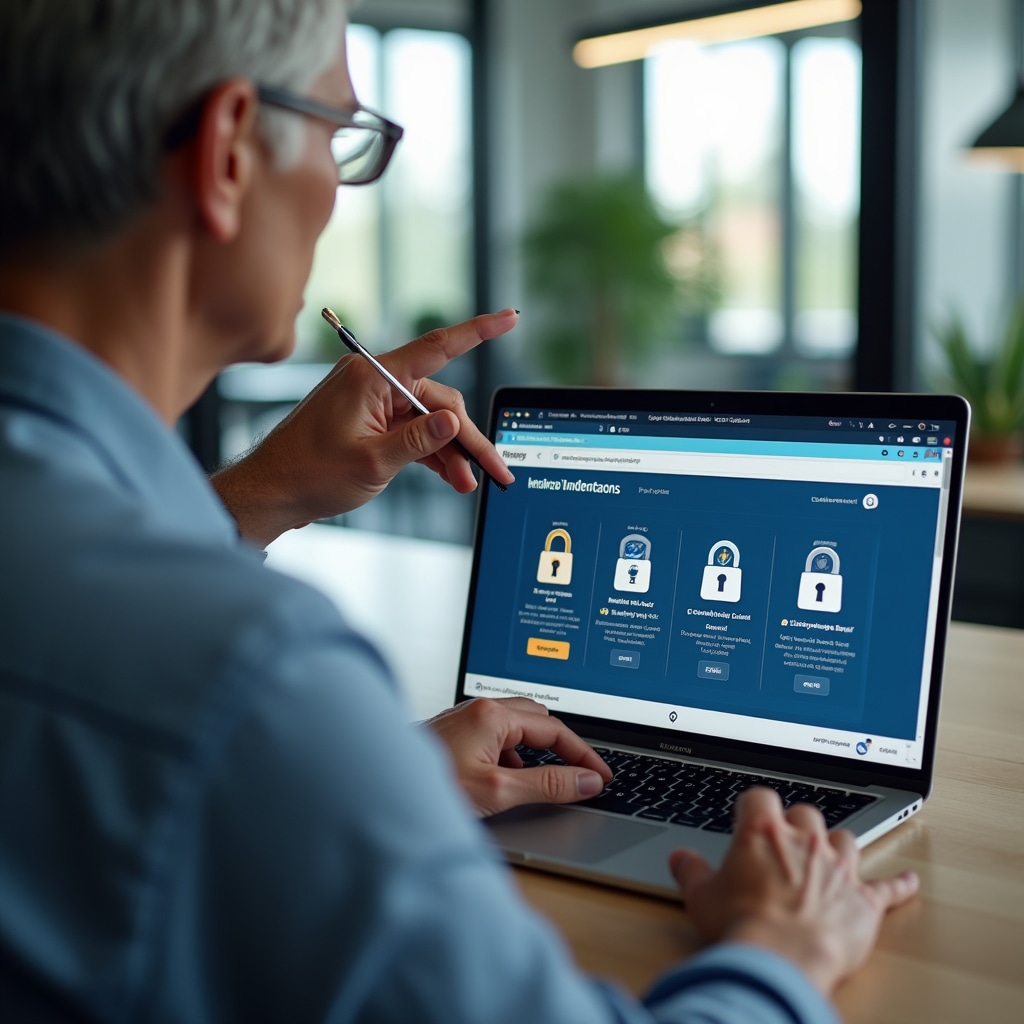

Trainer demonstrating secure browsing practices to senior learner on laptop computer with clear visual indicators on screen

Access Official Services Online

Austrian e-government platforms enable you to handle official matters from home, eliminating trips to offices and reducing waiting times. We make these systems accessible and understandable.

Digital Identification

The Bürgerkarte and Handy-Signatur serve as your digital identity for official transactions. We explain what these tools are, how they work, and guide you through the setup process step by step. Once established, they unlock access to numerous government services from your computer or smartphone.

Health Insurance Portals

Access your health insurance information, view medical records, download prescriptions, and communicate with your insurance provider through online portals. We walk through registration, demonstrate navigation of these systems, and ensure you can find the information you need when you need it.

Tax and Financial Services

FinanzOnline allows you to view tax information, submit declarations, and manage financial obligations with authorities digitally. The platform can seem complex initially, but with guided instruction, the essential functions become straightforward. We focus on the capabilities you'll actually use, making the system work for you.

Official Document Management

Learn to download, save, and organize official certificates, confirmations, and correspondence from government platforms. Understanding file management—where documents are stored on your device, how to create organized folders, how to locate saved files later—ensures that digital documents remain as accessible as paper ones.

Stay Connected Across Distances

Technology bridges physical separation, enabling face-to-face conversations, instant messaging, and photo sharing that maintain family bonds regardless of geography.

Video Calling

See and speak with family members in real-time through video calls. We cover multiple platforms—WhatsApp, Skype, FaceTime, Zoom—explaining the strengths of each and helping you become comfortable with the ones your family uses. You'll learn to initiate calls, adjust audio and video settings, and troubleshoot common issues independently.

Messaging and Photo Sharing

Send text messages, share photographs, and participate in group conversations with family members. Understanding how to attach photos, organize conversations, and manage notifications ensures these tools enhance connection rather than create confusion. We practice these skills until they feel natural.

Digital Photo Management

Your smartphone captures countless photographs, but organizing, editing, and sharing them requires understanding. Learn to create albums, perform basic edits to improve image quality, and share collections with family members through various methods. These skills transform your device from camera to complete photo management system.

Social Platform Basics

If family members use Facebook, Instagram, or other social platforms, we can help you understand these spaces. You'll learn to view shared content, respond to posts, and maintain privacy while participating. The focus remains on comfortable, safe interaction rather than mastering every feature.

Senior successfully conducting video call with family on tablet device, smiling and engaged in conversation

Master Your Smartphone and Tablet

These devices contain remarkable capabilities, but accessing them requires understanding the interface, settings, and organizational systems they employ.

Understanding Your Device

We start with fundamentals—how to navigate the home screen, use gestures effectively, adjust essential settings like brightness and volume. These basics create the foundation for everything else. You'll learn where to find what you need and how to customize the device to match your preferences and abilities.

Application Management

Installing useful applications, organizing them logically, updating software, and removing programs you don't need—these skills keep your device functional and uncluttered. We identify applications that serve your specific interests and needs, avoiding unnecessary complexity while ensuring you have tools that enhance your device's usefulness.

Photography and Media

Your device's camera offers more than simple snapshots. Learn to use different shooting modes, apply basic edits to improve photos, organize images into albums, and share them through various methods. Understanding these capabilities transforms casual photography into deliberate image creation.

Navigation and Maps

GPS-enabled maps provide directions, locate nearby services, and help you explore unfamiliar areas with confidence. We teach you to enter destinations, follow turn-by-turn directions, save favorite locations, and use public transportation features. These tools enhance independence and reduce anxiety about navigating new places.

Maintenance and Care

Understanding storage management, battery care, software updates, and basic troubleshooting keeps your device running smoothly. You'll learn when to update applications, how to free up storage space, and simple solutions to common problems that don't require technical support.

Choose Your Path Forward

These focus areas can be combined into a comprehensive program or addressed individually based on your priorities and interests.

Discuss Your Needs